Customize
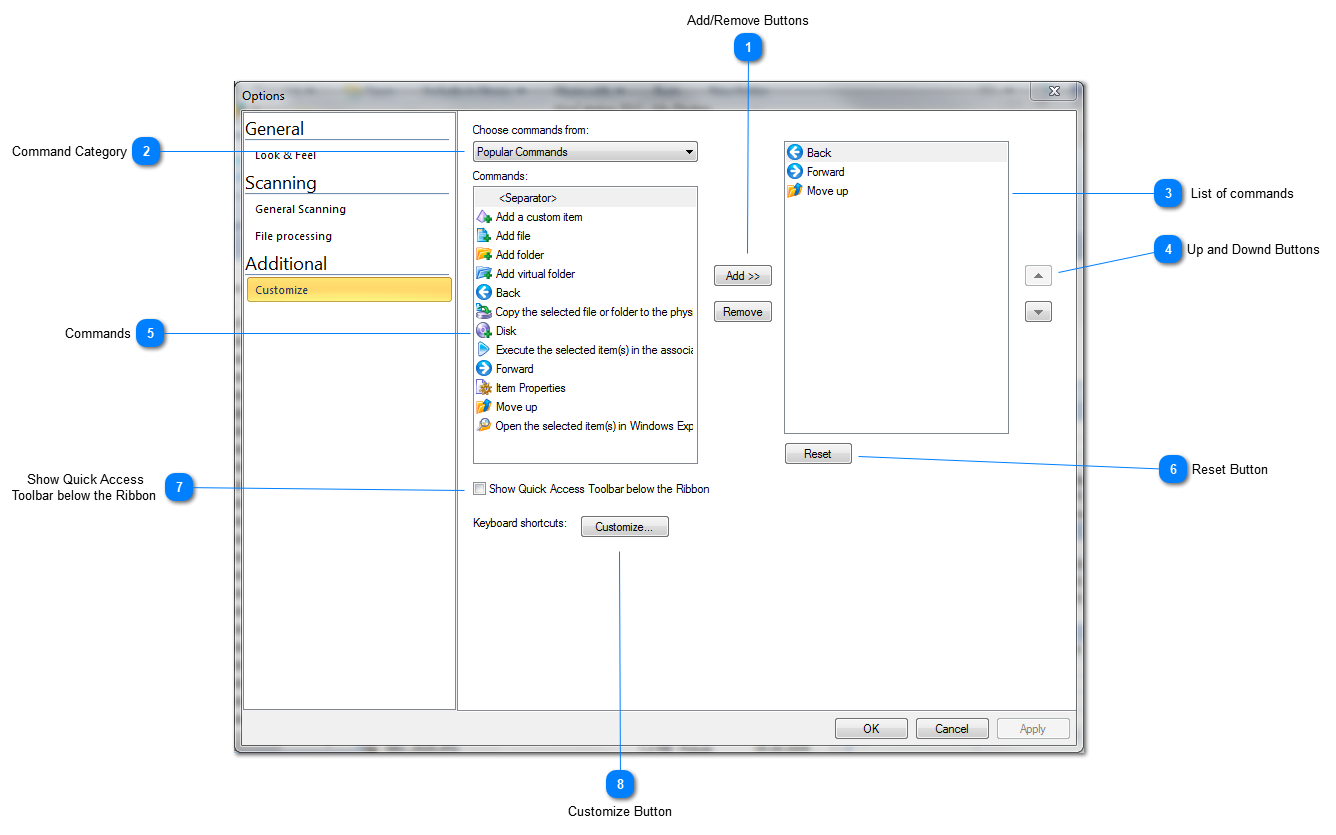

Add/Remove Buttons

Use Add/Remove buttons to configure Quick Access toolbar
Top

Command Category

Select the command category to filter commands
Top

List of commands
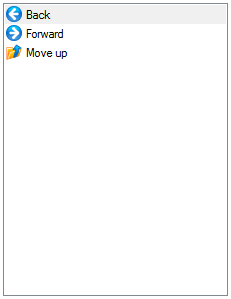
List of commands in the Quick Access toolbar
Top

Up and Downd Buttons

Use up and down buttons to rearrange commands
Top

Commands
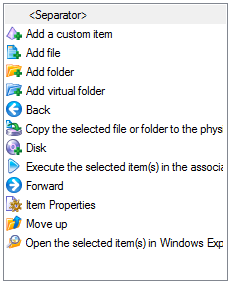
The list of all available command below the selected category
Top

Reset Button

Click Reset button to reset Quick Access toolbar to the default state
Top

Show Quick Access
Toolbar below the Ribbon

Mark this check box if you want to display Quick Access Toolbar below the Ribbon toolbar
Top

Customize Button
Click Customize Button to configure keyboard shortcuts
Top