Indexing a Folder
Indexing a Folder
You may want to index just a folder but not the whole disc. Indexing folder is very similar to Indexing a Disc.
Click Add Folder
On the Main tab click Folder button on the Adding panel to index a new disc.

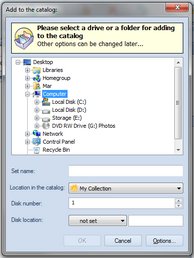
Select a Folder to Add
Select a folder for indexing, click OK when done.
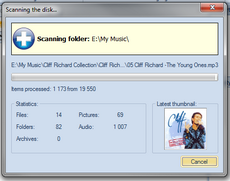
Wait the Process is Finished
Please wait while WinCatalog scans the folder. The disc scanning process can take some time. It depends on a number of files in the folder and on the file types. On finishing WinCatalog will play “tada” sound.
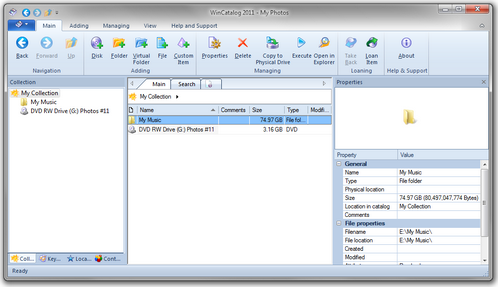
Ready
The newly added folder will be displayed in the program. You do not need to click Save button: WinCatalog 2026 saves all changes automatically.
Repeat
Repeat steps 1-4 for each folder you want to index.