First Run
First Run
Start WinCatalog 2026
Click WinCatalog 2026 icon to start the program

Create a New Catalog File
If you are running WinCatalog 2026 for the first time, you will be asked to create a new catalog file or to open an existing one.
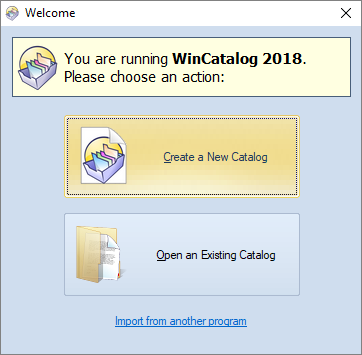
Select Create a New Catalog.
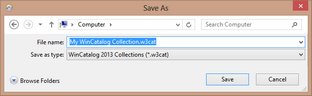
You will be asked for a filename for the new catalog file. You may change the default value if you want, or just click Save.
Ready
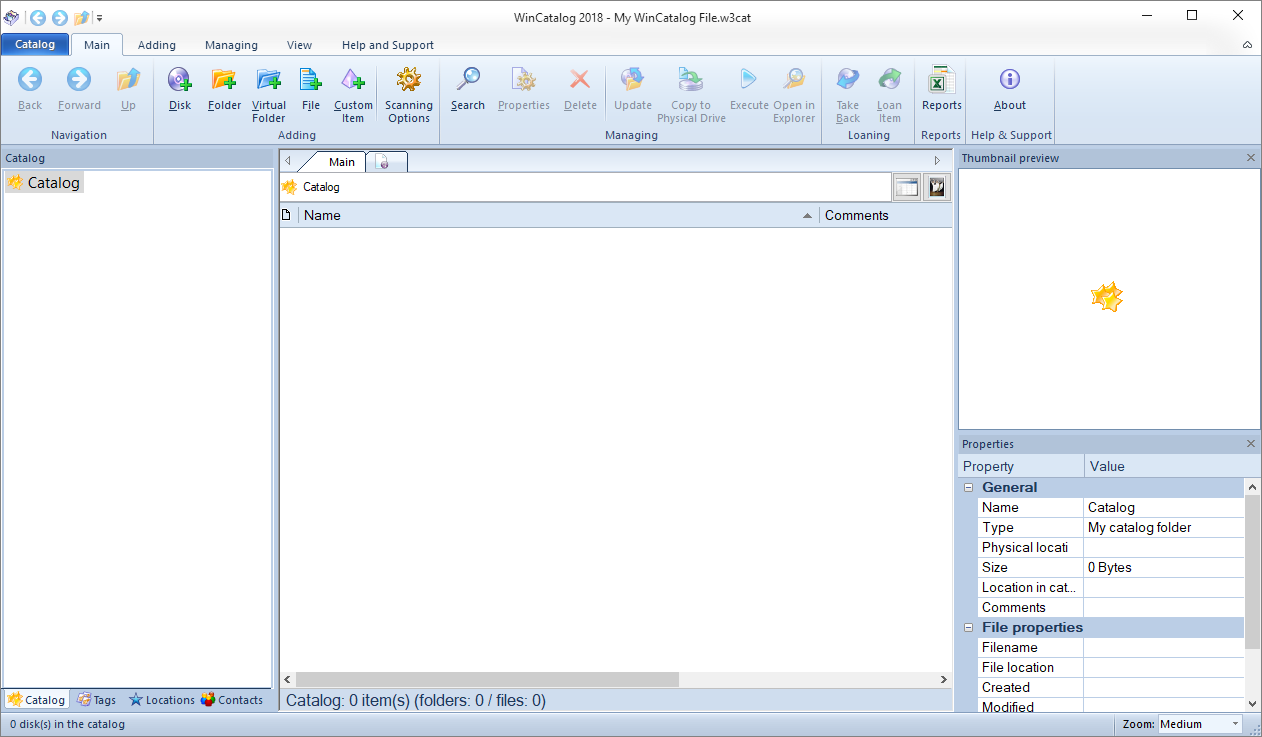
After the new catalog file is created, it will be opened with WinCatalog 2026:
Read next: Indexing a Disc