Assign a Custom Icon to any Entry
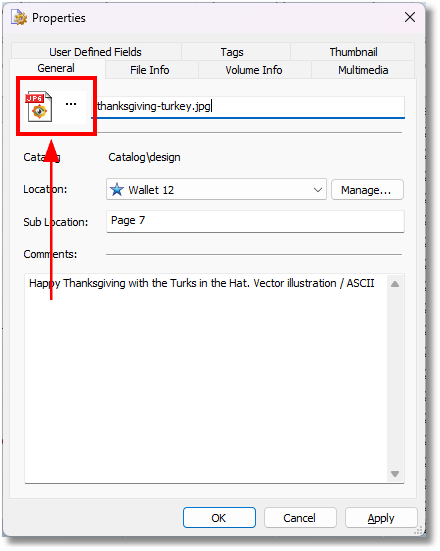
Step 1. Click the Icon on the General tab to open the Change Icon window:
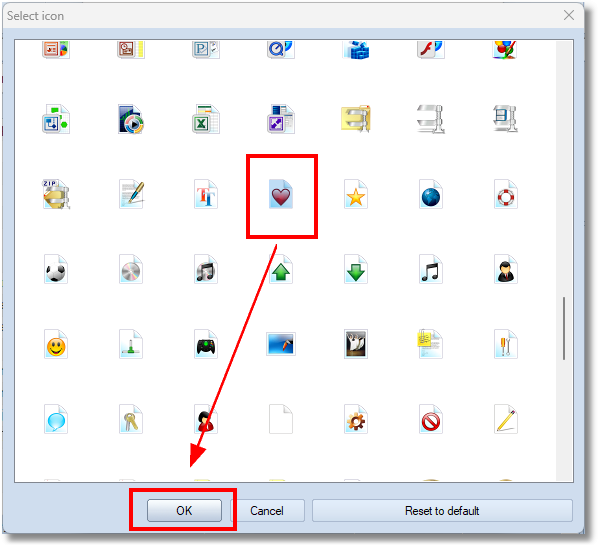
2. Select the icon to assign and click OK:
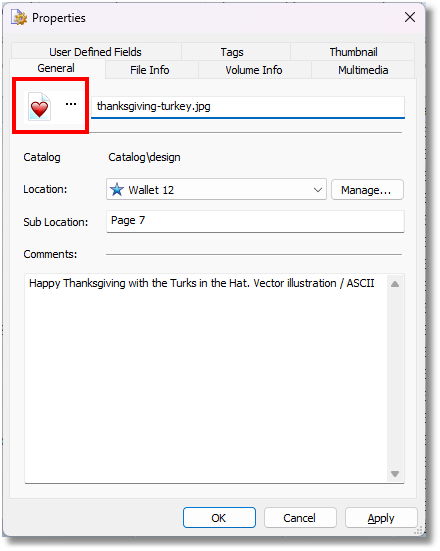
3. Now the entry uses the new icon:
4. To reset the icon to the default one, click the Icon again, then click Reset to default.