Change Password Dialog
Change Password Dialog
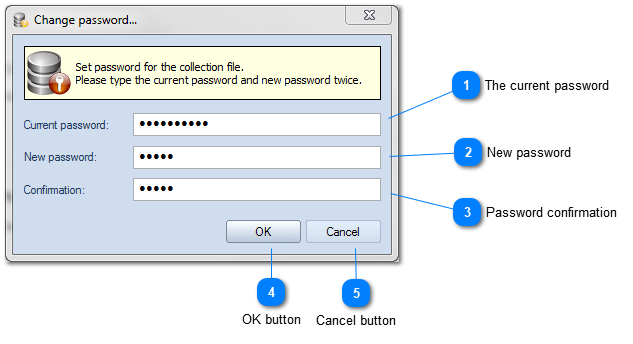

The current password

Type here the current password for the catalog file. If the password has not been set yet, leave this field blank.
Top

New password

Type a new password for the catalog file. To reset the current password leave this field blank.
Top

Password confirmation

Confirm the new password by typing it once again. To reset the current password leave this field blank as well.
Top

OK button

Click OK to set the new password.
Top

Cancel button

Click Cancel to exit without changes.
Top